
Reference Materials
Centralize SOPs, procedures, manuals, training documents and operational references so teams work from current information.
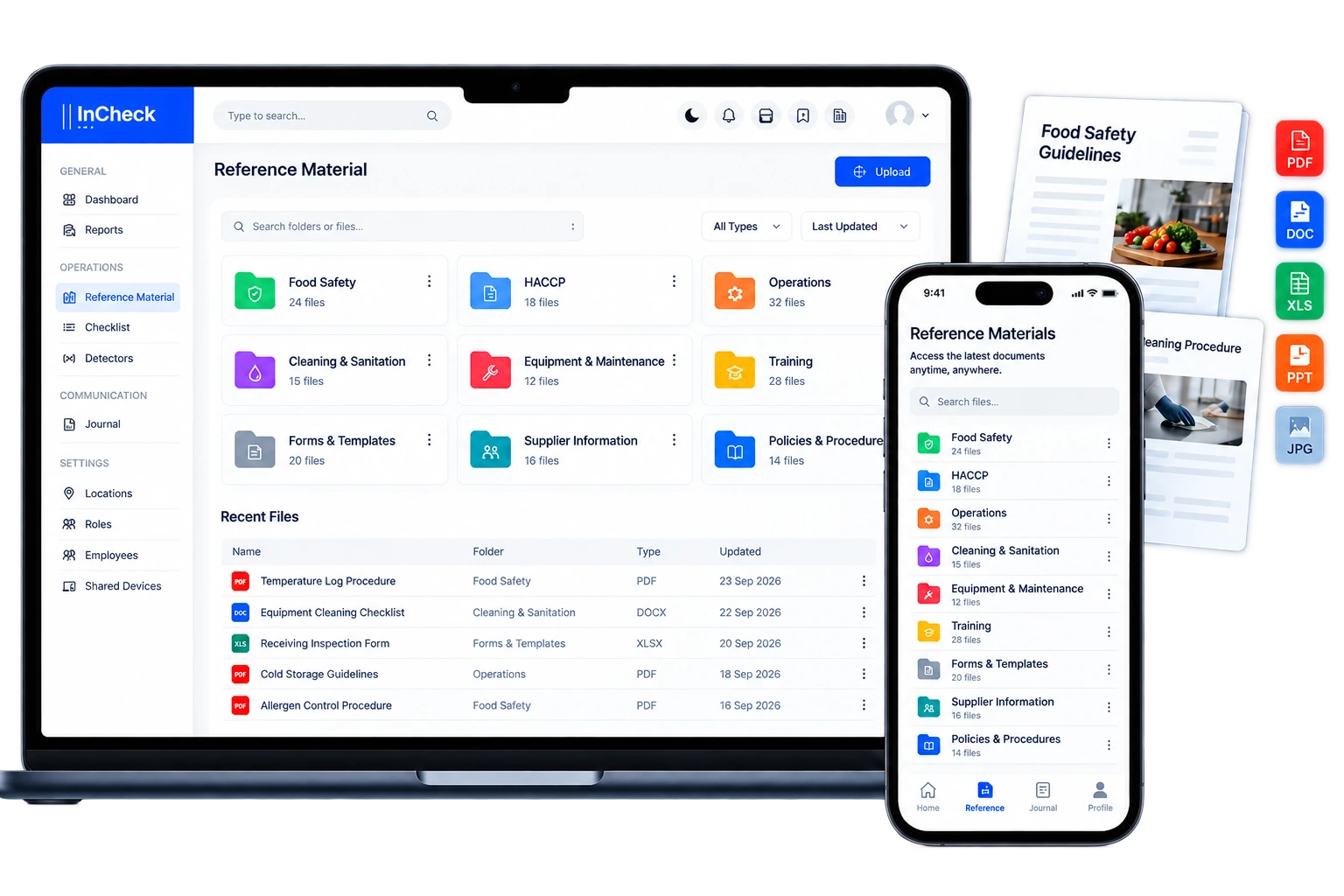
Put the right standard where the work happens.
Reference Materials centralizes SOPs, procedures, manuals, training content and operational guidance in one structured library. Organize material around the way teams work so current instructions are easier to find during execution instead of being scattered across shared drives, local copies and binders.
Included across the current plan structure.
Create folders around locations, departments, processes or topics so material stays easy to navigate.
Add SOPs, procedures, manuals, training documents and other operational references to the right folder.
Teams open the relevant reference material while carrying out day-to-day operational work.
Update the centralized source as procedures, instructions or operating standards change.
The operational detail behind the module.
Each capability is designed to keep execution, evidence, ownership and management visibility connected.
Central reference library
Keep approved operational documents and guidance in one accessible location.
Role & location relevance
Organize material around the teams, departments and locations that need it.
SOP access at work
Make procedures and supporting references easier to consult during execution.
Training material
Store guides and training references alongside operational standards.
Operational consistency
Reduce dependence on outdated local copies and informal instructions.
Checklist support
Use reference material to support the standards teams are expected to execute in checklists.
Where teams use it.
What management can review.
This module is more useful when it is not isolated.
InCheck 360 is designed so operational records can sit in the same wider context instead of being split across separate tools.
See what is actually happening across your operation.
Connect daily execution, food-safety controls, evidence and continuous monitoring in one platform.